3 min read
Ask your analytics a question. Get an answer, not a dashboard.
The AI Chat Analyst answers plain-English questions about traffic, revenue, A/B tests, custom events, and SaaS metrics using the same data as your reports.
"What drove our revenue change last month?" is a normal question. Answering it in most analytics tools takes four reports and a spreadsheet. The AI Chat Analyst takes a sentence.
How it works
Open AI Chat Analyst from the property sidebar and type. The assistant figures out which reports are relevant, pulls the numbers for the date range you named (or the last ~30 days if you didn't), compares them, and writes the takeaway. Tables show up when it's comparing several rows — variations, pages, countries, events.
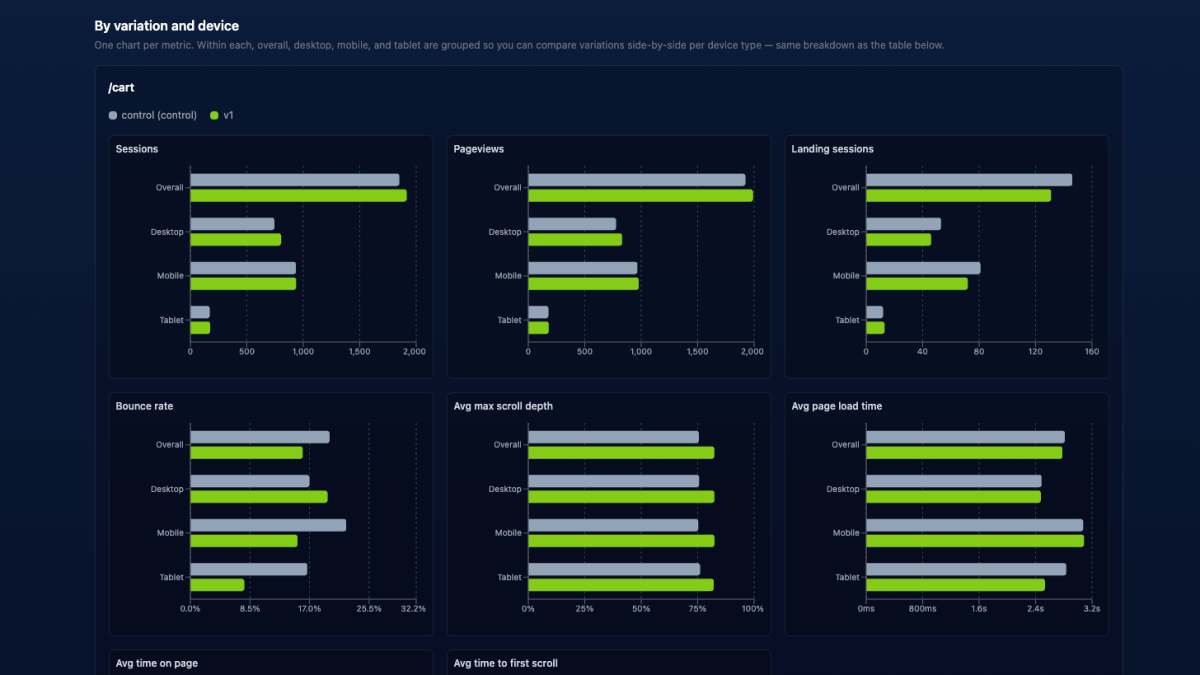
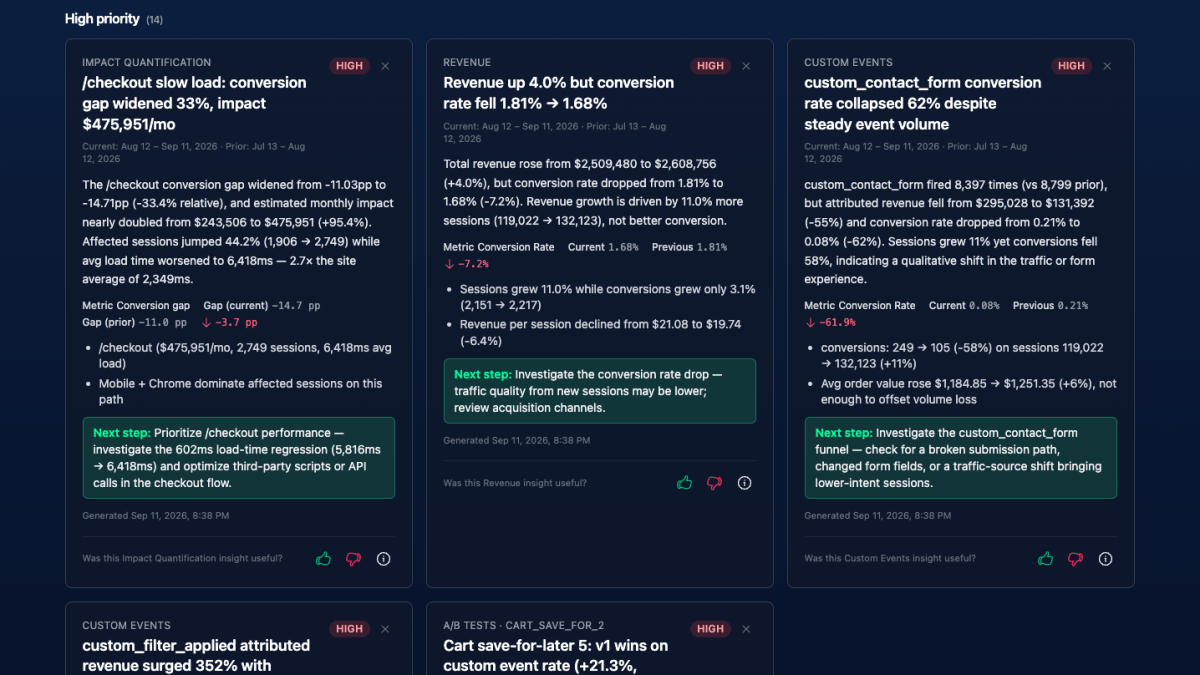
The important bit: it queries the same report data you see in the dashboard. A conversion rate it cites matches the Reports UI for the same range and filters. No parallel universe of numbers.
Questions that work well
| Area | Try asking |
|---|---|
| Traffic | "Top traffic sources by conversions in the last 30 days?" |
| Devices | "How did mobile vs desktop perform this month?" |
| Pages | "Which pages had the highest bounce rate last week?" |
| A/B tests | "Compare conversion rate between control and v1 on the homepage hero test." |
| Custom events | "How many custom_newsletter_signup events this quarter, by source?" |
| Revenue | "Where are people dropping off in the checkout funnel?" |
| SaaS | "What was net new MRR last month, and what churned?" |
| Ecommerce | "Which product categories drove the most revenue in Q1?" |
An empty chat shows suggested prompts if you want a nudge.
Tips for better answers
- Name the test or event. "Homepage hero test" or
newsletter_signup— the assistant resolves the internal token. If several match, it asks you to pick. - State a timeframe. "Last 7 days," "this month," "Q1."
- One question at a time beats a five-part prompt. Follow up in the same thread.
- Clear long threads when you switch topics. Long histories cost more tokens because each reply may call several reports.
- Give the property a description in settings. Business context sharpens the answers (and helps AI Insights too).
What it won't do, on purpose
- Summary-level only. You get totals and comparisons for a range, not an hour-by-hour chart. For time series, open the report.
- One property per chat. It can't cross-query another property.
- A curated subset of reports. Browser Usage, OS Usage, Product View Performance, and Variant Enrollment vs Exposure are reports-only. Ask about device splits or test lift instead, or open those reports directly.
- Small samples get flagged. If a metric rests on a handful of sessions, it should say so rather than sound confident.
- Archived events and funnels are excluded. Un-archive them if you want them counted.
Practical details
- Who can use it: anyone with Edit access or higher on the property. View-only members can read reports but not chat.
- History: stored in your browser for 72 hours, not synced across devices.
- Plans: included on all paid plans. Each question may trigger one or more report lookups; see Token usage for what to expect.
Full docs: AI Chat Analyst. Pair it with the reports tour so you know what it's drawing from — and when you'd rather just open the chart.
Quick answers
- What is the Badgerlytics AI Chat Analyst?
- A chat interface where you ask questions about a property's analytics in plain English. It looks up the relevant reports, compares the numbers, and summarizes the takeaway, using the same underlying data as the Reports UI.
- What can I ask the Chat Analyst?
- Traffic sources and campaigns, page bounce and exit rates, A/B test performance by variation, custom event volumes, revenue and funnel drop-off, and — on SaaS properties — MRR, usage revenue, retention, and cancellation questions.
- Is the Chat Analyst included in every plan?
- Yes, it's included on all paid plans and shares the monthly AI token allowance with AI Insights, Team Summary, UX Analyst, and Session Replay analysis.