3 min read
Personalized A/B tests: experiment on the people it's actually for
Pair an experiment with an audience segment so only the right visitors get bucketed. Test pricing on free-tier users, checkout copy on returning mobile shoppers, and read results by trait.
A homepage test runs on everyone. A pricing-page test for free-tier users should not. If your experiment tool can't tell the difference, you end up measuring noise from people the change was never meant for.
Badgerlytics pairs experiments with audience traits so the test population is the same population as the hypothesis.
How it works
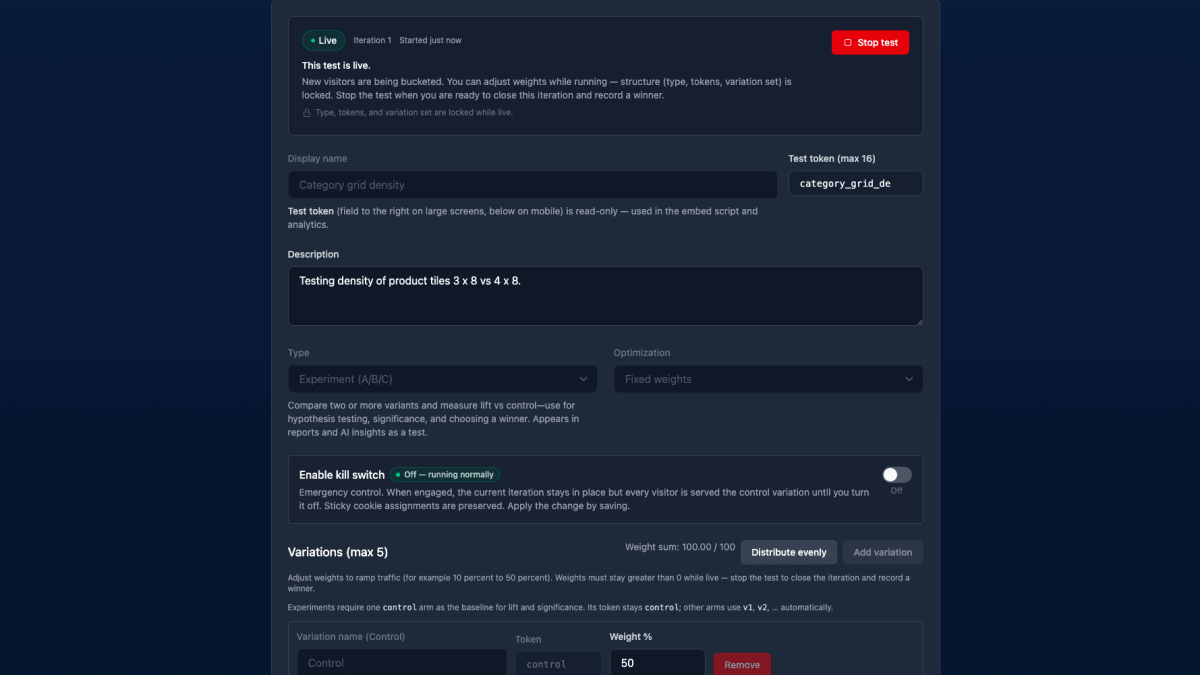
On an Experiment (A/B/C), scroll to Audience segment and switch from All visitors to a custom rule. Add conditions:
signed_inequalstrueplanequalsfreedevice_typeequalsmobileutm_campaignequalsspring_salepage_pathequals/pricing
Conditions combine with AND or OR. Save and Start. Only visitors who match the segment at assignment time are bucketed. Everyone else sees control and isn't counted in the test.
Five tests that only make sense with a segment
| Hypothesis | Segment | Winning metric |
|---|---|---|
| Annual-plan nudge lifts upgrades | plan = free, signed_in = true | Custom event custom_upgrade_click |
| Shorter checkout helps mobile | device_type = mobile | Conversion rate |
| Free-shipping threshold raises basket size | country = US (a custom trait set from geolocation) | Average order value |
| Returning shoppers want reorder shortcuts | visitor_type = returning | Conversion rate |
| Trial users need a different onboarding | subscription_state = trialing | Custom event custom_first_project_created |
Every one of those would be diluted — or flat wrong — if it ran on all traffic.
Reading the results
- Test Summary shows the leader vs control for the segmented population, with a device breakdown per variation — so a test scoped to signed-in users can still be read as mobile vs desktop.
- Nearly every other report accepts an A/B test breakout: revenue per session, cart abandonment, funnel steps, custom event rates, all by variation.
- The Active Tests tab shows the same win/loss/not-yet markers as any other test.
Getting traits into the test in time
Segment rules are evaluated when a visitor is assigned. Two things make that reliable:
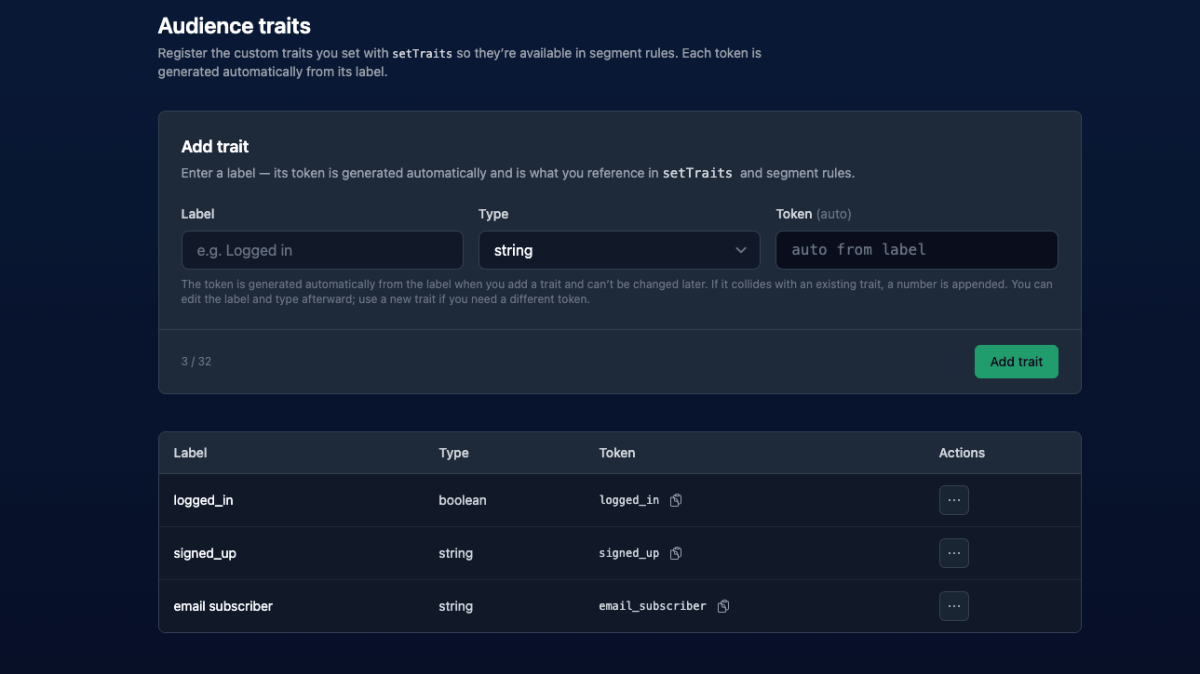
- Set traits on state changes. Login, logout, plan change — call
setTraits()then. Details and code in the audiences post. - Server-rendered apps: set the
_bai_traitscookie on login. That way the first render after sign-in already knows the visitor's plan, and the SSR middleware can bucket without a flicker.
Built-in traits (visitor_type, device_type, page_path, UTM fields) need no setup at all.
Personalization vs. experimentation
These are neighbors, not the same thing:
- Personalization — show the segment a different experience because you've decided to. Use a Feature flag (on/off) targeted to the segment, or branch on traits in code.
- Personalized experiment — show the segment a different experience to find out whether you should. Use an Experiment with an audience segment and a winning metric.
Start with the second, ship the winner as the first.
A note on iterations
Audience rules changed mid-test? Start a new iteration. Visitors are re-bucketed under the new rule and the previous results are preserved separately, so you never blend two populations into one number. See Iterations.
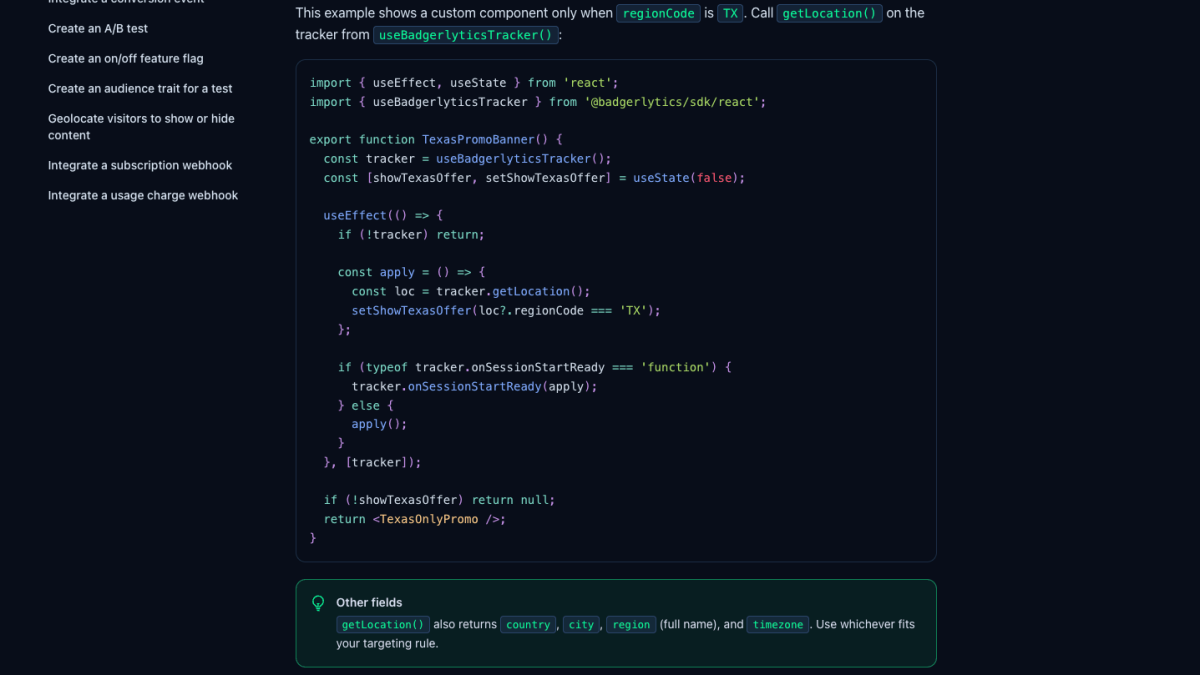
Walkthrough: How-to: Create an audience trait for a test. Docs: Feature Flags → Audiences. And if location is the segment you need, Geolocation shows how to turn it into a trait.
Quick answers
- Can Badgerlytics run an A/B test on a specific segment of visitors?
- Yes. On an Experiment (A/B/C), switch the Audience segment from "All visitors" to a custom rule — for example signed_in equals true, or plan equals pro. Only visitors matching the segment at assignment time are bucketed into the test.
- What can a test audience be based on?
- Built-in traits — visitor_type, device_type, page_path, and UTM source, medium, and campaign — plus any custom traits you register and set from code, such as signed_in, plan, or subscription_state. Conditions combine with AND or OR.
- Can I see A/B test results broken down by segment?
- Test Summary includes a device breakdown per variation, and nearly every other report — revenue, custom events, funnels, cart abandonment — accepts an A/B test breakout so you can compare variations within that report's own filters.