4 min read
Surveys: ask visitors while they're still here
New in Badgerlytics. Thumbs-up ratings and short multiple-choice surveys delivered by the tracking script you already have, targetable by A/B variation, with reports, CSV export, and an AI recap.
Surveys are live. They're delivered by the tracking script you've already installed, so there's nothing new to add to your site — build one in the dashboard, switch it on, and it appears.
Two shapes
| Type | What the visitor sees | Best for |
|---|---|---|
| Rating | A compact strip — thumbs up, neutral, thumbs down — with a short prompt like "Rate this!" | Reactions to a feature, a page, a new layout. One tap and done. |
| Questions | Up to five multiple-choice questions, one at a time, Back and Next | "Why didn't you check out today?" and other things you can't infer from clicks |
Question surveys allow up to five choices per question, and one choice per question can be fill-in — the visitor types their own answer (up to 256 characters). After answering, a short thank-you shows and the survey closes itself.
Every survey is keyboard-accessible and announced to screen readers. On small screens surveys always sit at the bottom so they never cover what someone is reading.
Where and when it appears
On a page. Enter an exact path (/pricing), or end with /* to match a section (/blog/*). Pick a position — top, centre, or bottom; left, centre, or right — and a delay up to 60 seconds (3 by default).
Next to an element. Give the element a stable id, enter it as the trigger, and the survey waits for it to appear — even if it's rendered later — then shows after a delay up to 10 seconds. Rating strips sit to the left or right of the element; question surveys open in the centre.
Only one survey shows at a time on a page. If the element is never found on a page where it should be, that visit is recorded as element not found and highlighted in the report so you can catch a mismatched id.
Target by A/B variation
On the Targeting tab, limit a survey to visitors currently in one or more variations of your running tests. "How does the new checkout feel?" — asked only to the people who saw the new checkout. Pick any variations across any tests; a visitor qualifies if they're in any of them. Stopped tests drop out automatically.
This is the piece we think matters most. A test tells you whether a change worked; a variation-targeted survey tells you why. More on tests in A/B tests and feature flags.
Frequency, so you don't annoy people
- Answer or close a survey and it won't show again for 30 days on that browser.
- Different surveys are tracked separately.
- Views and completions count once per visitor per survey over 30 days — refreshing doesn't inflate anything.
- Bot and traffic filters apply.
Reports
Report next to any survey shows:
- Views, completions, completion rate, and closes without answering — last 7, 30, or 90 days
- A day-by-day chart of views vs completions
- Answer breakdowns — thumbs split for ratings; count and share per choice for questions
- Fill-in answers as a CSV with timestamp, question, answer, and the page it was answered on
Edit a live survey and history stays intact; a removed choice that visitors had picked shows as Removed option.
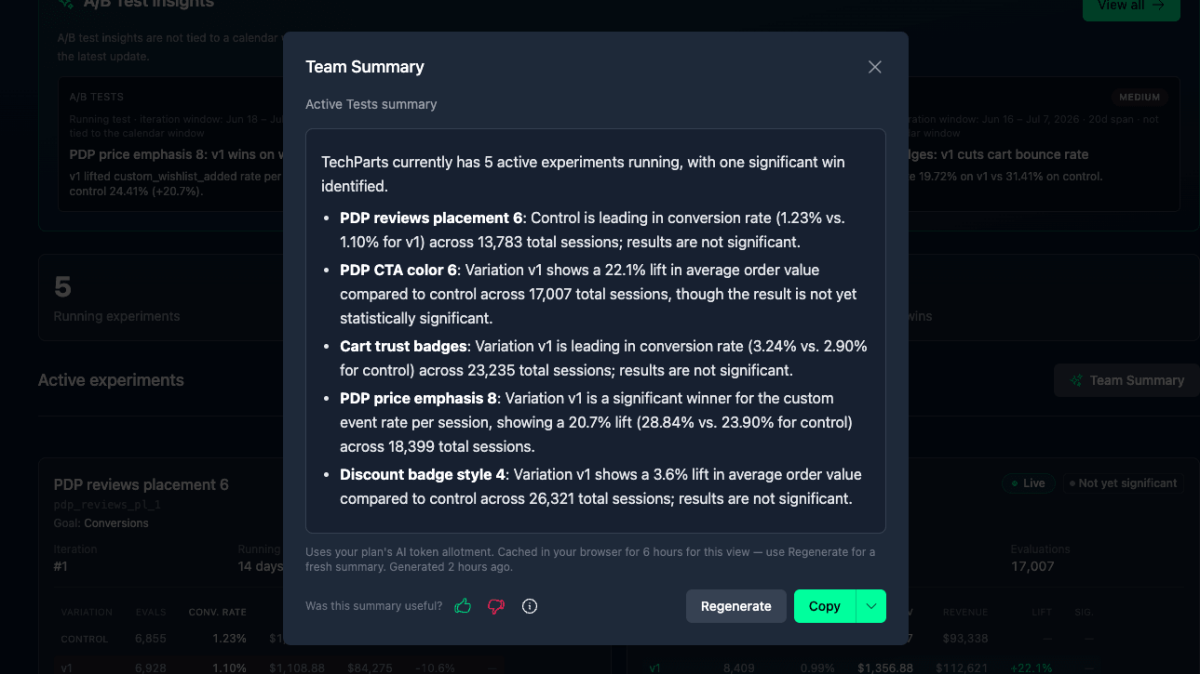
Two ways to share: Download PDF for a clean printable copy, and Team Summary for an AI recap — reach, the leading answer per question, themes in recent fill-ins, and one suggested next step (Pro plans and up).
Building one
- Surveys in the sidebar → Create survey.
- Setup tab: name (internal), type, trigger, prompt or header text, thank-you message.
- Questions tab (question surveys): write questions and choices, tick Fill-in where you want free text.
- Design tab: match your brand. The live preview is fully interactive.
- Targeting tab (optional): pick variations.
- Switch it on. Live within a few minutes.
To see a survey before enabling it — or again after you've answered — open the page with ?bai_surveyTest=YOUR_SURVEY_KEY. Test mode ignores delays and the 30-day rule and records nothing.
Limits
- Enabled surveys per property: Starter 5, Pro 10, Business 15, Ultimate 30. Disabled drafts don't count.
- Retention: 90 days for views, answers, and fill-ins. Download the CSV to keep them longer.
- Privacy: only the choices made and any fill-in text are recorded, under the same anonymous visitor id as your analytics.
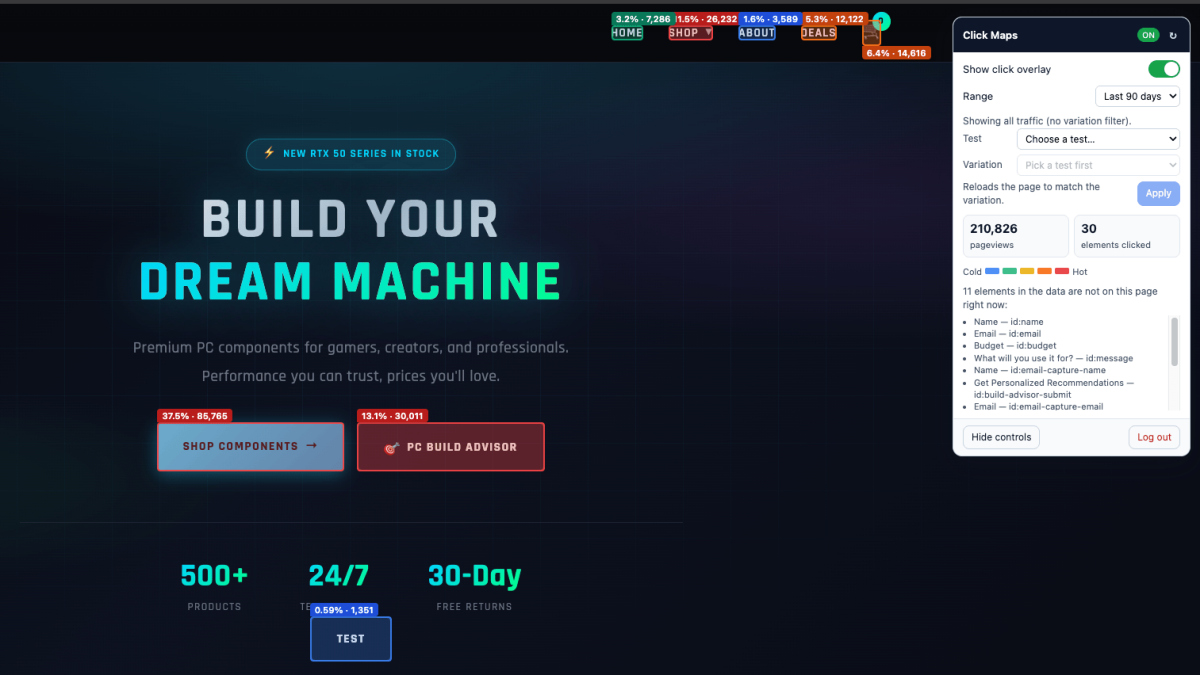
Docs: Surveys. Pair a survey with Click Maps on the same page and you have what people did and what they said about it.
Quick answers
- What kinds of surveys does Badgerlytics offer?
- Two — a Rating survey (a compact thumbs up / neutral / thumbs down strip with a short prompt) and a Questions survey (up to five multiple-choice questions shown one at a time, each with up to five choices and an optional fill-in answer).
- How are Badgerlytics surveys triggered?
- Either when a visitor lands on a page (exact path or a /* wildcard section, with a position and a delay up to 60 seconds) or when a specific element with a stable id appears on the page (with a delay up to 10 seconds). Surveys can also be limited to visitors in chosen A/B test variations.
- Are surveys included on every plan?
- Yes. Plans differ in how many surveys can be enabled at once per property — 5 on Starter, 10 on Pro, 15 on Business, 30 on Ultimate. Disabled drafts don't count.