2 min read
Team Summaries: the status update that writes itself
One button turns your dashboard, Active Tests, reports, or survey results into a short, copy-ready update for Slack or email. Cached for six hours, low on tokens.
Every Monday, someone on your team opens the dashboard, squints at six tiles, and types a paragraph into Slack that starts with "Quick numbers update…" That paragraph is now a button.
What it does
Team Summary takes the aggregates already on screen and writes a short recap: the headline metrics for the range, the biggest period-over-period moves, and a formatting style that pastes cleanly into Slack or email. Nothing you couldn't write yourself — it just saves the fifteen minutes and the squinting.
Results are cached in your browser for six hours per view, so re-opening the modal doesn't spend tokens. Hit Regenerate when you've changed the date range or the numbers have moved.
Four places it lives
| Where | What it summarizes |
|---|---|
| Dashboard → Overview | Traffic, engagement, conversions, and revenue for the selected range (30 days, 180 days, custom…) |
| Dashboard → Active Tests | The current iteration of every running experiment — leaders, lift, and whether results are significant yet |
| Reports | The report you have open — traffic, products, funnels, impact, and the rest. A few views need a filter first (a specific funnel, page, or product); daily breakdowns and the full UTM catalog are skipped |
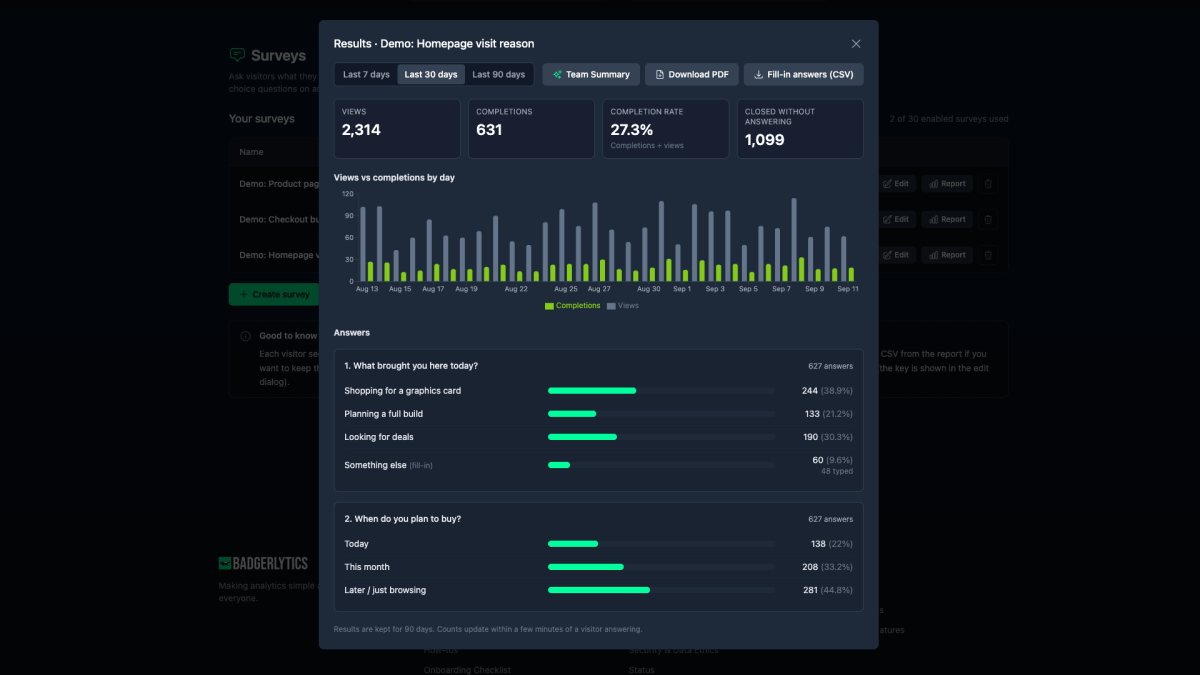
| Survey reports | Reach, the leading answer for each question, recurring themes in fill-in responses, and one suggested next step |
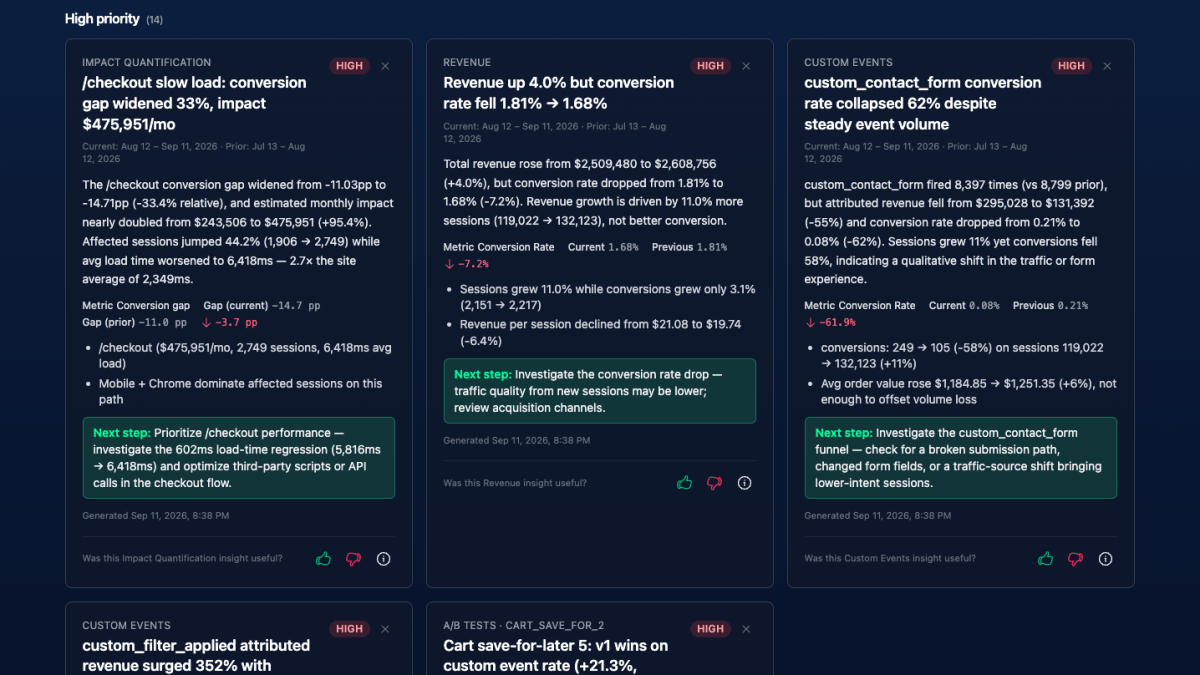
The Active Tests version is the one experimentation teams end up using weekly. It's the "where are we on the tests" message, written from the same cards you'd otherwise be reading aloud. See the dashboard post for what's on those cards. The report version is the same idea for a deeper cut — "what's costing us money this week" from Impact Quantification, without leaving the table.
Why it's cheap to run
Each generation is one AI call with a compact snapshot of dashboard aggregates — not a full report export. That keeps token use low compared with the Chat Analyst (which may query several reports per question) or AI Insights (which analyzes many reports per run). Details in Token usage.
Practical details
- Plans: Pro, Business, and Ultimate. Not on Starter.
- Access: anyone with Edit or higher on the property.
- Editing: it's plain text. Trim it, add your own note, paste.
Docs: Team Summary. If you want the why behind the numbers rather than a recap, that's what the Chat Analyst is for.
Quick answers
- What is the Badgerlytics AI Team Summary?
- An on-demand summary that turns the aggregates already on screen — the dashboard, a report, or a survey — into a short, copy-ready update. Biggest period-over-period moves, formatted for Slack or email.
- Where can I generate a Team Summary?
- On the dashboard Overview tab (the selected date range), the Active Tests tab (the current iteration of each running test), most report pages (the view you have open), and any survey report.
- Which plans include Team Summary?
- Pro, Business, and Ultimate. It uses the shared monthly AI token allowance, and each generation is a single compact AI call, so usage is low compared with Chat Analyst or AI Insights.