2 min read
AI UX Analyst: a usability review while you get coffee
Point the UX Analyst at a page, funnel, or URL list. About fifteen minutes later you have findings with screenshots, severity, next steps, and suggested A/B tests. Beta, Pro plans and up.
A usability review from a good consultant is worth the money. It also takes three weeks to schedule and lands as a PDF. The UX Analyst does the same kind of pass in about fifteen minutes, and every finding comes with a test you can launch.
It's in beta. We'll say that twice in this post because it matters.
How a mission works
- Open UX Analyst in the property sidebar and click New mission.
- Pick the focus: a single page, a funnel, or a custom URL list.
- Optionally add a goal in your own words — "help us reduce cart abandonment," "evaluate the pricing page for clarity."
- Run it. Missions typically finish within about 15 minutes.
The tighter the focus, the better the result. Start with the one page you're arguing about internally.
What comes back
A list of findings, each with:
- A screenshot of what the analyst saw
- Severity, so you fix the expensive things first
- Suggested next steps
- Often, a suggested A/B test — the finding phrased as a hypothesis you can run through Feature Flags
That last part is what keeps this from being another PDF. A finding like "the primary CTA is below the fold on mobile" becomes an experiment with a winning metric, not a debate.
Where it fits with the rest
| You want to know… | Use |
|---|---|
| What's wrong with this page, in principle | UX Analyst |
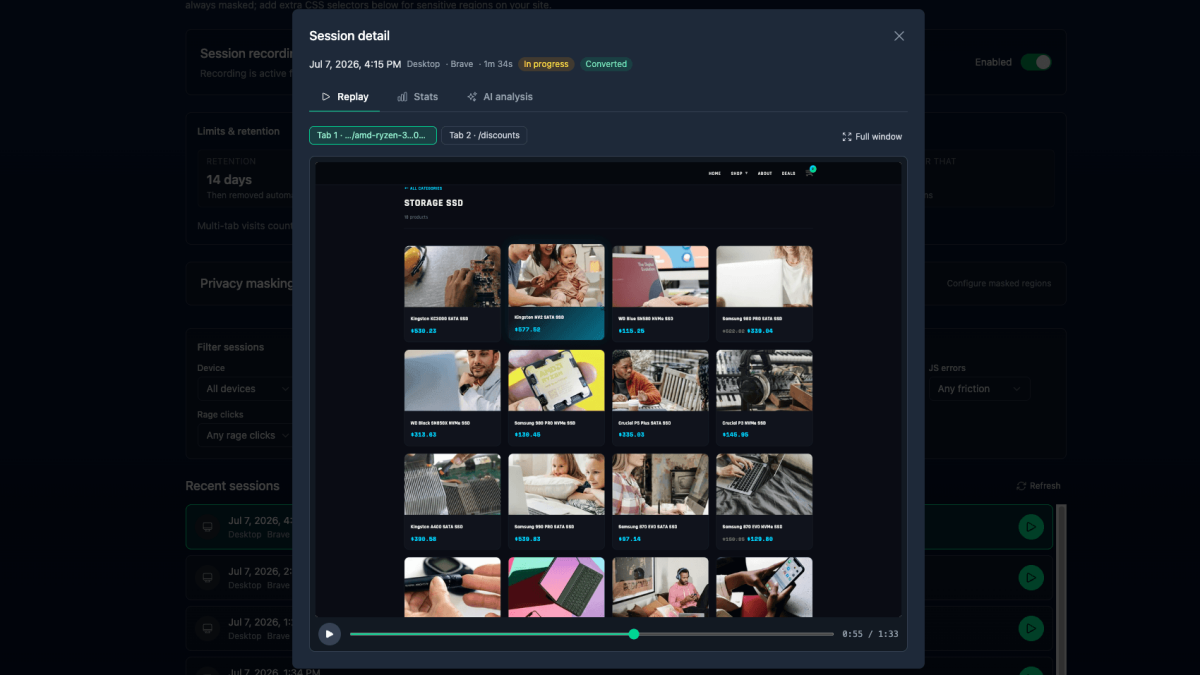
| What real visitors actually did on it | AI Session Replay |
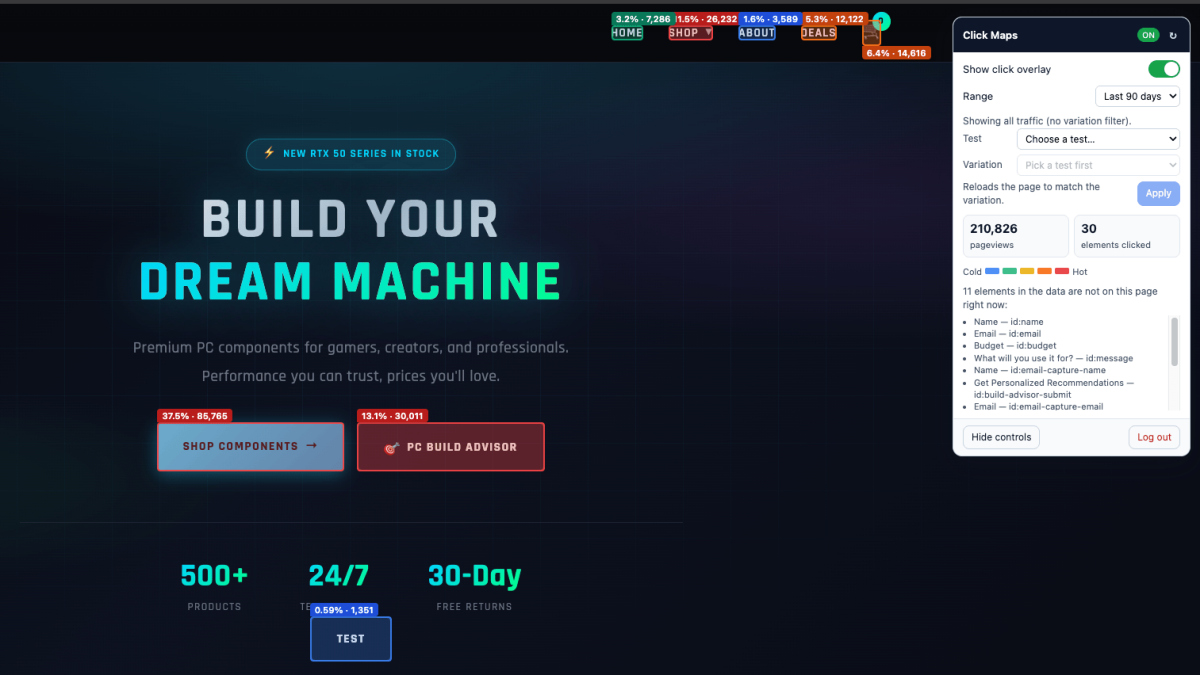
| What they clicked, in aggregate | Click Maps |
| What the friction is costing | Impact Quantification |
| Whether the fix worked | An A/B test |
Heuristics tell you what should be a problem. Replays and click maps tell you what is. Use both.
What it can't do yet
- Logged-in flows. It sees what an anonymous visitor sees. Use a demo-mode URL if you need authenticated pages reviewed.
- Paywalls, captchas, geo-blocks. Unreachable pages stay unreviewed.
- Anything in an iframe — embedded maps, videos, third-party forms.
- Real transactions. It evaluates static UX and information design, not "place a paid order."
- Long missions. Each run is capped around 15 minutes. If one times out, split it.
And the second mention: recommendations are guidance, not gospel. Validate with a test before declaring victory. Crawling a site with AI is hard, and you'll get the occasional dud.
Plans and tokens
Pro, Business, and Ultimate. Draws from the shared monthly AI token allowance along with AI Insights, the Chat Analyst, Team Summary, and Session Replay analysis. Details on the pricing page.
Docs: AI UX Analyst (Beta).
Quick answers
- What does the Badgerlytics AI UX Analyst do?
- It visits your site like an anonymous visitor, evaluates the pages against a set of UX best-practice heuristics, and writes specific findings with screenshots, severity ratings, suggested next steps, and often a suggested A/B test to validate the change.
- How long does a UX Analyst mission take?
- Typically up to about 15 minutes depending on how many pages and steps are included. Tighter missions — one page or one funnel — finish faster and produce more reliable results.
- Which plans include the UX Analyst?
- Pro, Business, and Ultimate. It's currently in beta and uses the shared monthly AI token allowance.