3 min read
Locations map: see where your visitors and buyers actually are
New in Badgerlytics. A Locations tab on the dashboard plots sessions and conversions city by city, follows your dashboard date range, opens on your home market, and answers "what are my top cities?" in chat. Included on every plan.
Country reports answer "where in the world?" They don't answer "which city should we open a store in," "is that Austin campaign working," or "why did Toronto suddenly show up." Those are city questions, and until now you had to squint at a country row and guess.
The dashboard now has a Locations tab that answers them with a map.
What you get
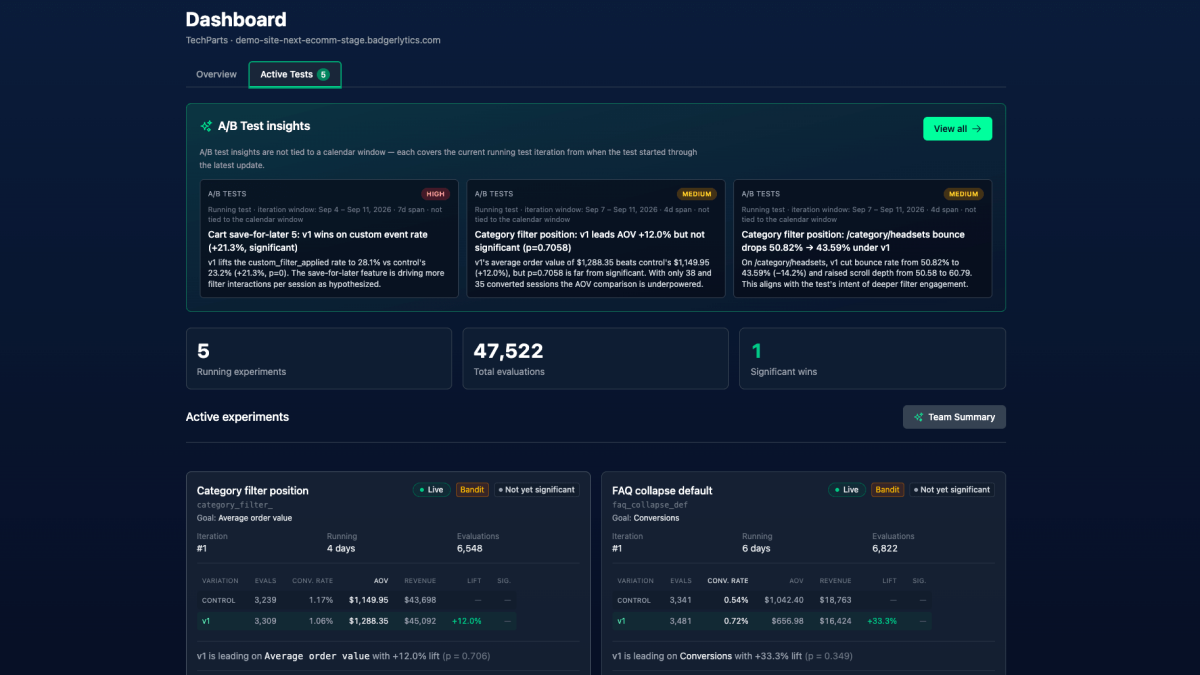
Open any property dashboard and click Locations, next to Overview and Active Tests. You'll see:
- A dot map of your traffic. Every city that sent you sessions in the selected period is a dot. Bigger dot, more traffic. Hover or tab to a dot and you get the city, its sessions, and its conversions.
- A Sessions / Conversions toggle. Flip the map from "where do people come from" to "where do people buy." When the two maps look different, you've found something - a region that browses but doesn't convert, or a small city that punches above its weight.
- A ranked list. Under the map, the top locations for the selected metric with sessions, conversions, conversion rate, and revenue. Same data as the dots, readable without hovering, and usable on a phone.
It follows your dashboard
The Locations tab uses the same date presets as the Overview tab - last 24 hours, 7 through 365 days, or a custom range - and the two tabs share the selection. Pick "Last 7 days" to check on a launch, flip to Locations, and you're looking at the same seven days.
It opens on your home market
Most analytics maps open zoomed out to the whole planet, with your customers compressed into a smudge. Ours opens on the region that matches your property's display currency: US dollars opens on the United States, Canadian dollars on Canada, euros on Europe, pounds on the UK and Ireland, and so on for Australia, New Zealand, and Switzerland.
Two buttons cover everything else. Fit to data zooms to wherever your visitors actually are, useful when a campaign lands somewhere unexpected. World shows everything.
Ask the chat
The same city-level data is available to the AI Chat Analyst, so you can skip the map entirely when you already know the question:
- "What are my top performing US cities?"
- "How many sessions did we get from Akron, OH last month?"
- "Which Texas cities convert best?"
The assistant answers with the numbers and, when there are several rows, a table. It also knows the difference between a country question and a city question, so "how did Canada do" still goes to the country report.
A few things to know
- City level only. Location comes from the visitor's network connection at the time of the visit and is stored as city, state or region, country, and an approximate city-center coordinate. We never ask the browser for precise device location.
- Unresolved visits still count. If a visit can't be placed in a city, it shows up in every other report as usual; it just doesn't get a dot.
- Country totals live where they always did. The Country Performance report under Traffic is unchanged, and country attribution is now more accurate because it comes from the same location lookup rather than the browser's language setting.
- Every plan. No add-on, no tier gate.
Where to go next
- The Locations tab is on every property dashboard today - open one and click the tab.
- Docs: Locations map.
- For the rest of the dashboard, see a dashboard that knows what you're testing.
Quick answers
- What does the Badgerlytics Locations map show?
- A dot for every city that sent you traffic in the selected period. Dot size scales with sessions or conversions (your choice), and a ranked list under the map shows each city's sessions, conversions, conversion rate, and revenue.
- Which date ranges does the Locations map support?
- The same presets as the dashboard Overview - last 24 hours, 7, 14, 30, 60, 90, 180, or 365 days, or a custom range. Changing the range on one dashboard tab carries over to the other.
- How does Badgerlytics know where a visitor is?
- Location is resolved from the visitor's network connection at the time of the visit and stored at city level (city, state or region, country, and an approximate city-center coordinate). Precise device location is never requested or collected.
- Is the Locations map available on every plan?
- Yes. The Locations tab, the city-level data behind it, and the related AI Chat Analyst questions are included on Starter, Pro, Business, and Ultimate.