3 min read
AI Session Replay: watch fewer sessions, learn more
Recordings tied to your analytics context — device, test variation, custom events, conversion — with filters that find the right ones and an AI review that writes up what happened.
Session replay is the closest thing to standing behind a customer's shoulder. It's also the fastest way to burn an afternoon watching people scroll. The fix isn't fewer recordings. It's better filters and something that watches the first pass for you.
Recordings that know your analytics
Every recording carries the context the rest of Badgerlytics already has: device, pages visited, custom events fired, which A/B test variation the visitor saw, and whether they converted. So the filter bar can do this:
| Filter | Options |
|---|---|
| Device | desktop, mobile, tablet |
| Duration | at least 1, 5, 10, 20, 30 minutes, or 1 hour |
| Conversion | converted or not |
| Visitor | new or returning |
| Test & variation | sessions that saw a running test, optionally one variation |
| Custom event | sessions where a specific event fired |
Combine them. "Mobile visitors on v1 of the checkout test who added to cart but didn't convert" is a filter, and the list that comes back is the list worth watching.
The player
Play, pause, scrub. Multi-tab visits show a tab strip so you can follow a visitor who opened three product pages in three tabs without losing the thread. The list shows device, duration, page count, conversion status, and a tab count per session.
AI analysis: the first pass, written down
For any completed session, Analyze session returns a review in about a minute:
- Summary — what the visitor did and how the visit felt
- Issues — friction points and moments of confusion
- Opportunities — openings to improve conversion or engagement
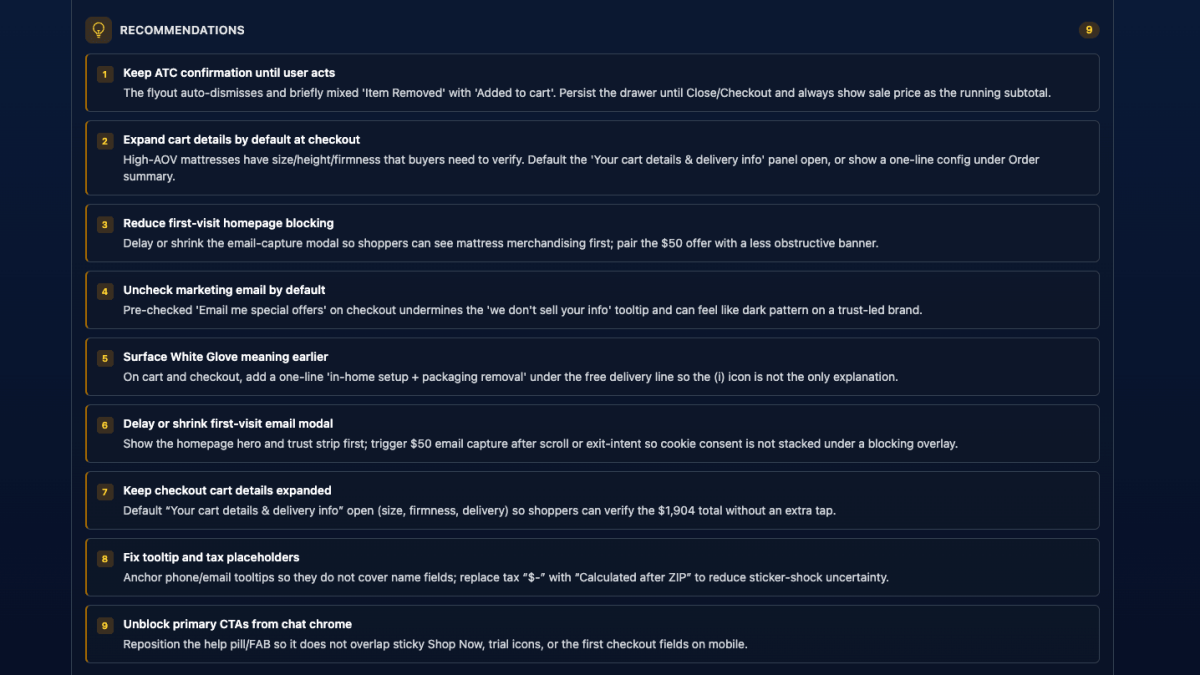
- Recommendations — concrete, testable changes, often phrased as an A/B test
Multi-tab sessions are analyzed as one cross-tab journey. Each session can be analyzed once; results are saved. Use it as the shortlist: analyze ten, watch the three that matter.
Where recordings connect to everything else
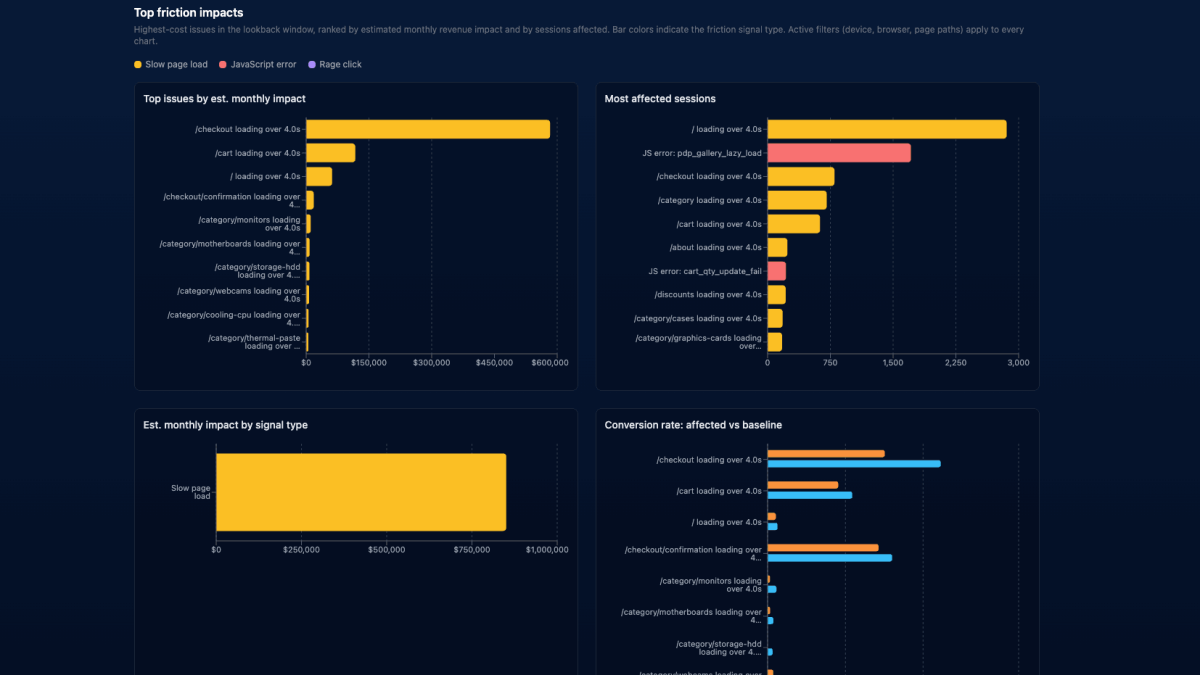
- Impact Quantification links each slow page, error, or rage-click issue straight to the matching recordings.
- Test results looking odd? Filter to the variation and watch.
- A custom event spiking? Filter to sessions that fired it.
Limits, so you know what you're getting
- Plans: Business and Ultimate.
- Daily cap per property: 3,000 recordings (Business) or 6,000 (Ultimate), UTC day. Each property has its own budget.
- Sampling: the first 150 engaged sessions each day are always recorded; after that roughly 15% of visitors are sampled — per visitor, not per visit, so a returning visitor's journey stays whole.
- Retention: 14 days.
- Bounces excluded: single-page visits with no engagement aren't stored.
- Two-hour maximum per tab; up to four concurrent tabs per visitor.
- Per-visitor limit: twelve recordings per property per 24 hours.
Privacy is done in the browser
- Form fields — every input value is masked before it leaves the visitor's browser. You see that someone typed; you never see what.
- Editable content — masked by default.
- Custom selectors — add CSS selectors in the Privacy masking panel for account numbers, support widgets, anything user-specific. Those regions are masked in Click Maps too.
Masking reduces risk; keeping truly sensitive flows off the recorded surface removes it. Review your rules after enabling recording.
Turning it on
AI Session Replay in the property sidebar → Session recording on. It reaches your live site in seconds and needs nothing beyond the tracking script you already installed.
Docs: AI Session Replay. Comparing tools? See how we line up against Hotjar, Microsoft Clarity, and Contentsquare.
Quick answers
- What is AI Session Replay in Badgerlytics?
- Session recordings of real visits, filterable by device, duration, conversion status, new vs returning, A/B test variation, and custom event, with an on-demand AI analysis that summarizes the visit and lists issues, opportunities, and testable recommendations.
- Which plans include AI Session Replay?
- Business and Ultimate. Business properties can record up to 3,000 sessions per property per day, Ultimate up to 6,000. Recordings are kept for 14 days.
- How does Badgerlytics protect visitor privacy in session replay?
- All form input values and contenteditable text are masked in the browser before anything is sent. You can add CSS selectors to mask additional regions, and masked text appears obscured in the replay.